MemoQ Server - Set up automatic exports
You can automatically export your Lexeri termbase to a termbase on your MemoQ server. Here we show you what you need for this and how to proceed with the configuration.
What you need
Lexeri connects to your MemoQ server via an interface. You need an API key for authentication. As a MemoQ administrator, you can create or view this in the MemoQ "Server Administrator" tool.
To do this, open the server administrator and connect to your MemoQ server.
Select the list entry "Web service interface" on the right-hand side.
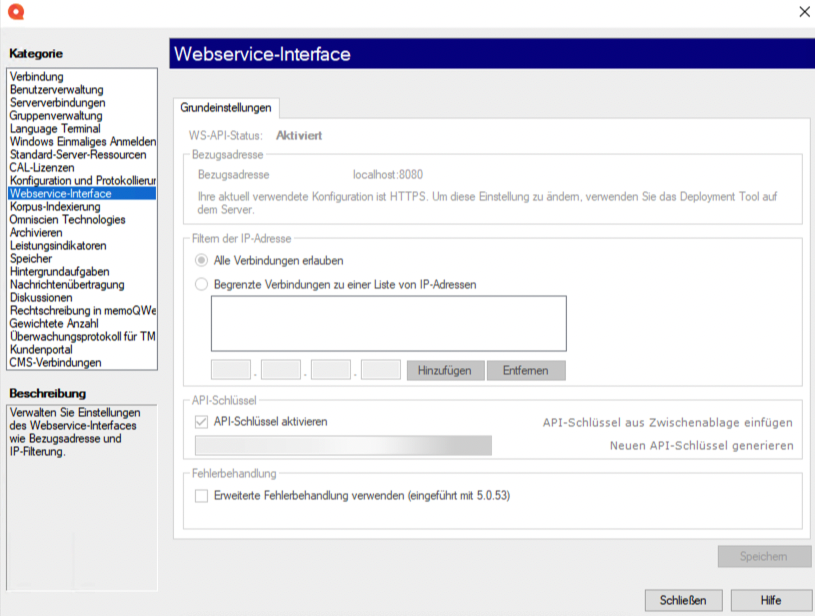
Here you will see an "API Key" area on the right hand side. Activate the API key with the corresponding checkbox and copy the API key displayed below.
Create automatic export
Once you have the API key, you can create the automatic export in Lexeri. For this you need the role of the administrator.
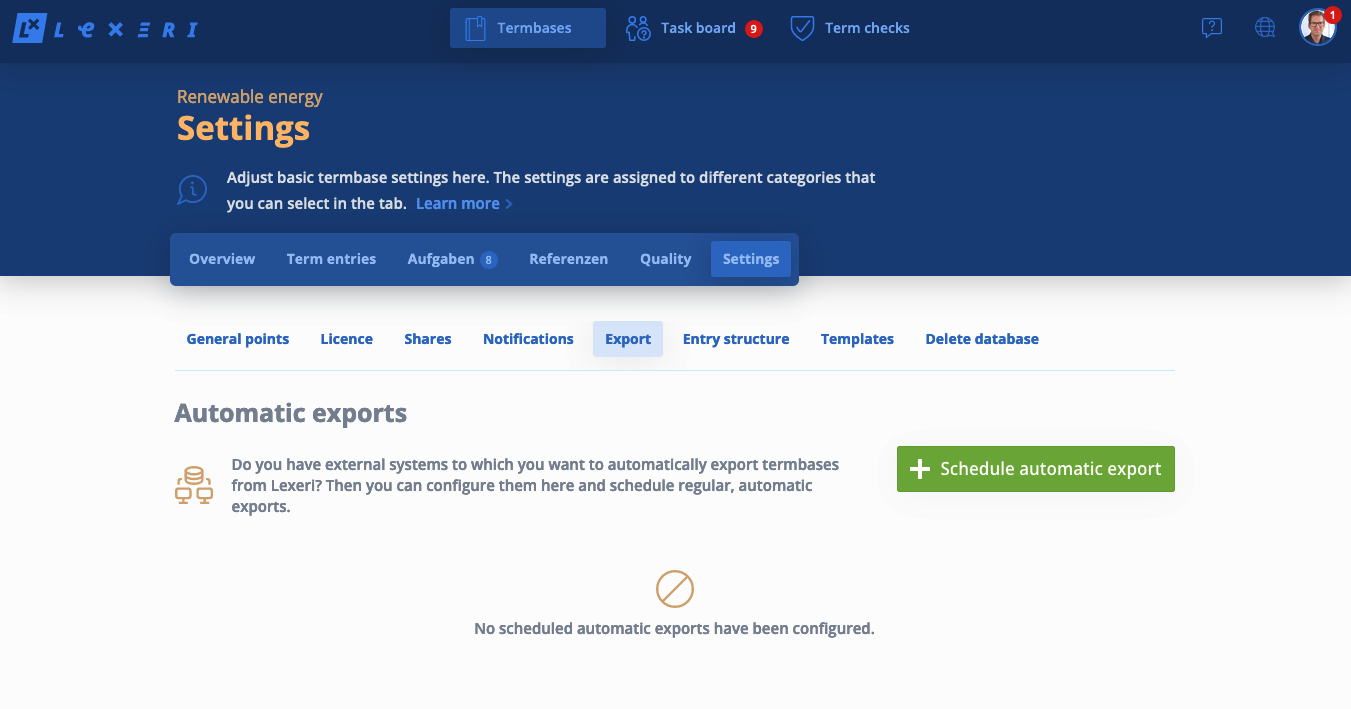
First go to the settings of your termbase and select the tab "Exports".
Select system
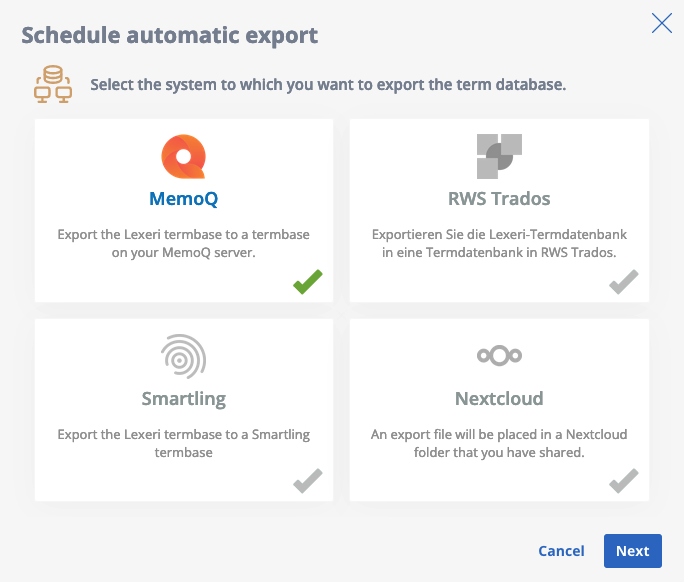
Next, click on the button "Schedule automatic export" and select “MemoQ”, then click on "Next".
Create API configuration
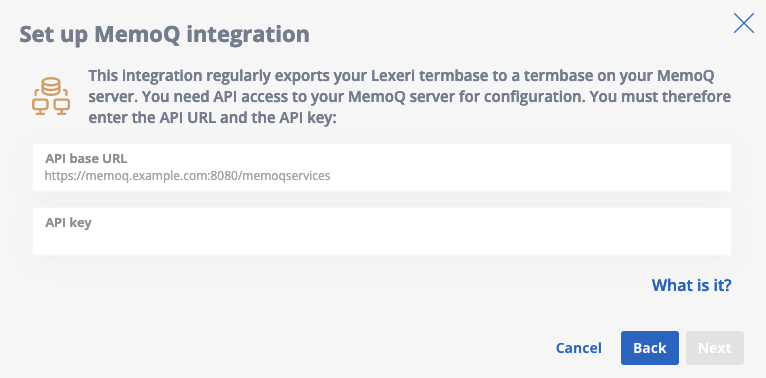
In the next step, you will be asked for your MemoQ server data. For the API base URL, enter the URL of your MemoQ server followed by port 8080 and the path "/memoqservices". So for example: "https://example.memoqworld.com:8080/memoqervies".
Then click on "Next".
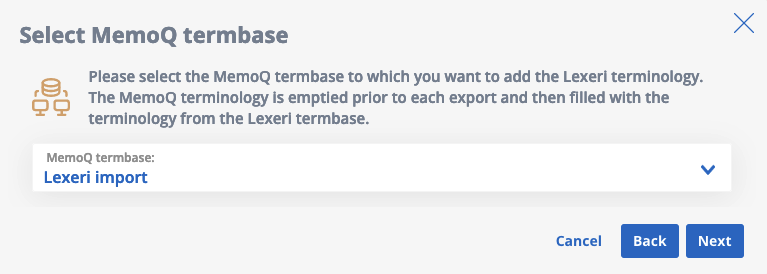
Select MemoQ termbase
In the next step, select the termbase of the MemoQ server that you want to overwrite with the term entries from your Lexeri termbase and click "Next":
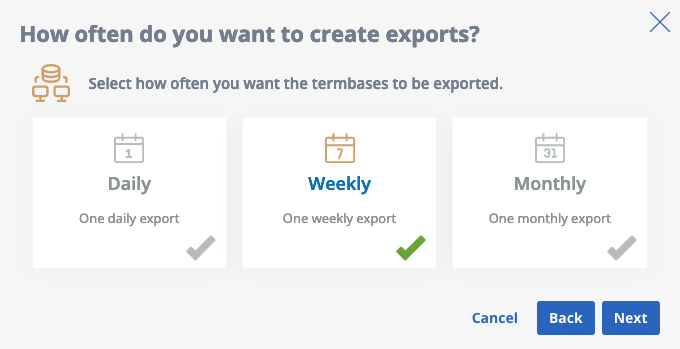
Select the interval of the automatic exports
In the next step, you only select how often the Lexeri termbase should be exported to the MemoQ server. Select one of the suggested intervals and click on "Next":
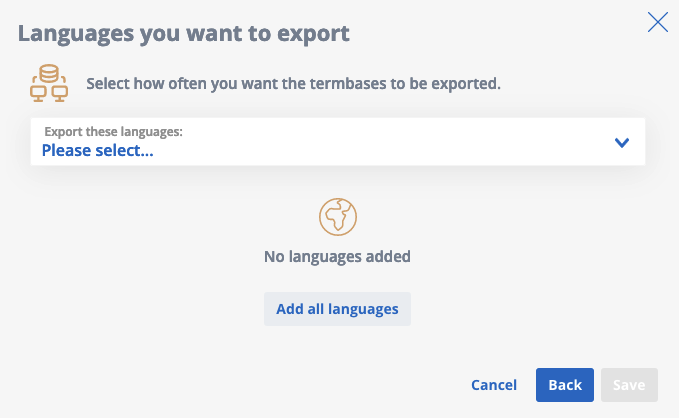
Select languages to export
In the last step you can select the languages to be exported. Then click on Save:
Pause or delete exports
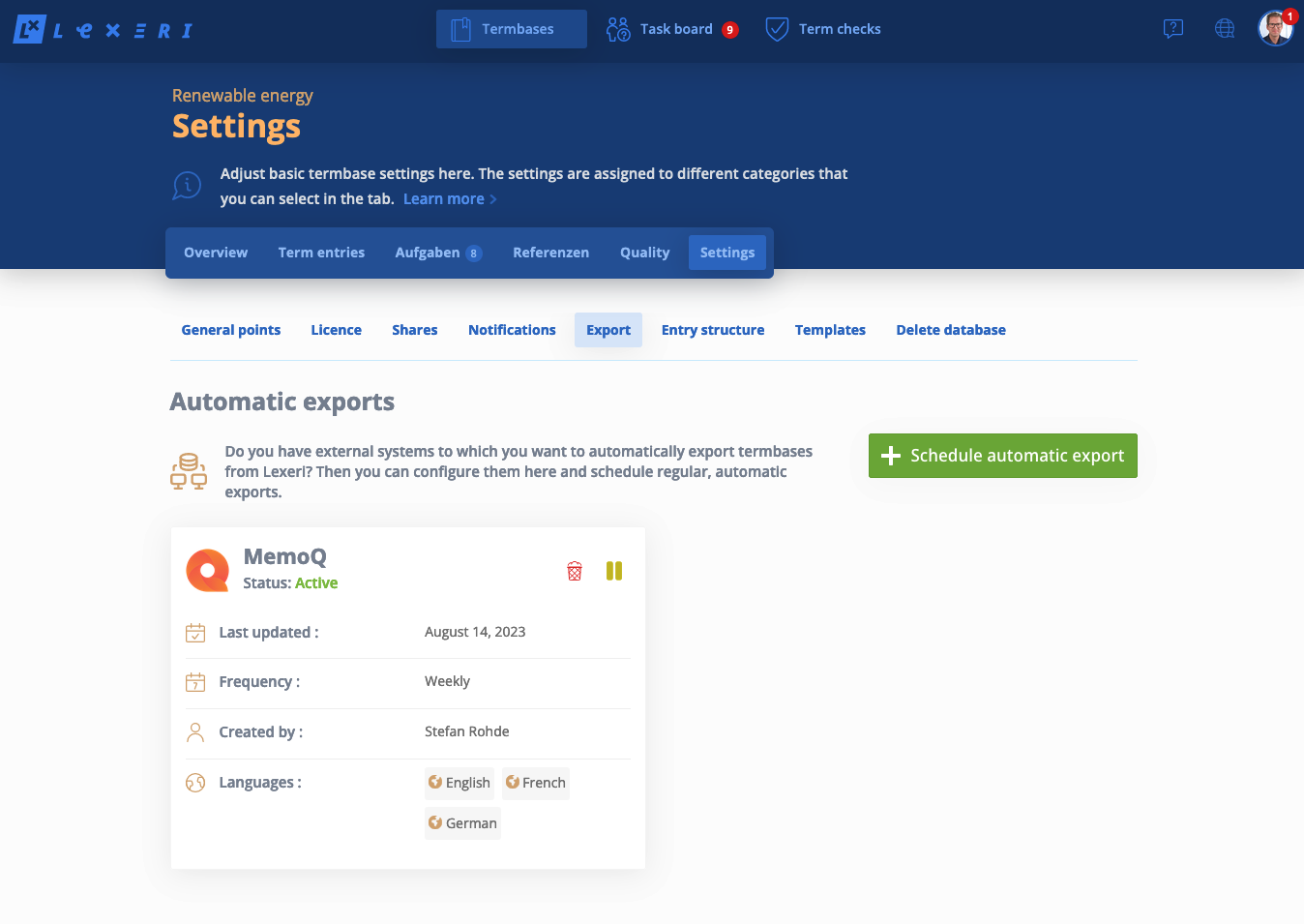
After you have gone through all the steps, the dialogue closes and you will see the newly created export plan in the list of automatic exports.
Here you can pause the automatic exports or delete the plan.